Skip to content
Reverb
Menu

Record it.
Send the link.

Press record, get a link, and share it in an email, a tweet, Slack or your blog.

  • Free to start
  • No account needed to listen
  • Private unless you share the link
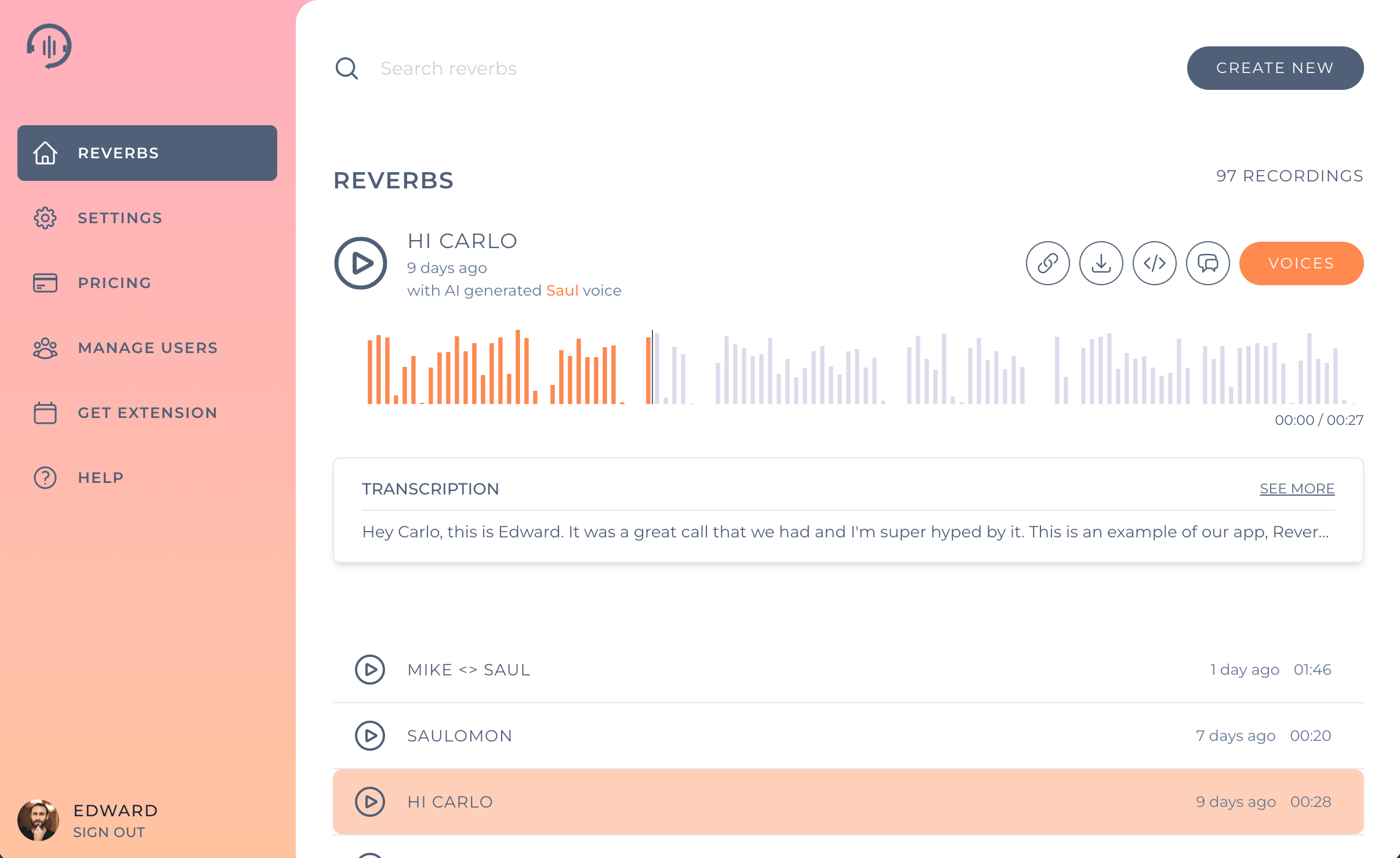
Search reverbs
Start recording
00:00 / 02:00
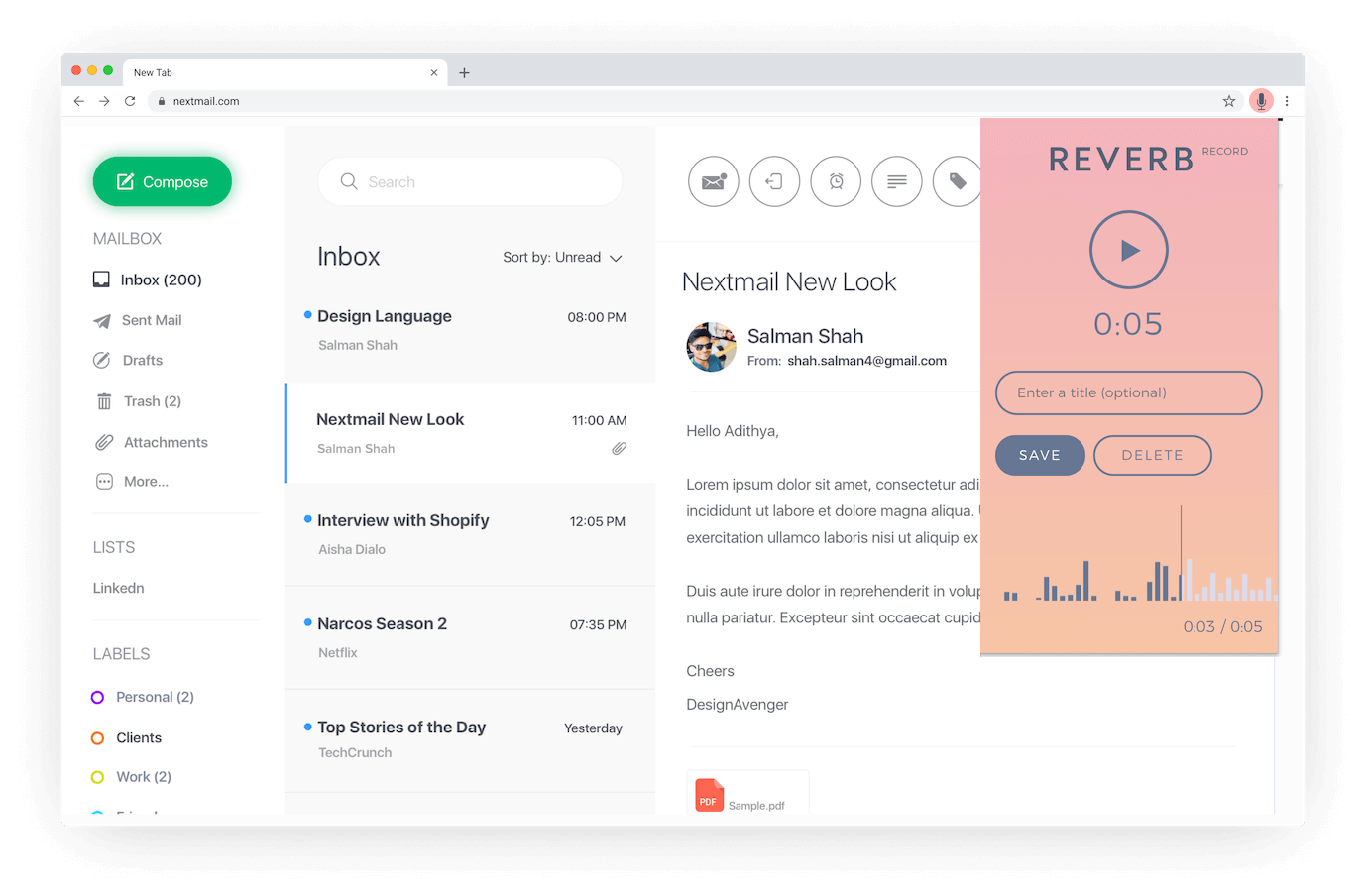
Animation: recording a voice message in Reverb, saving it, copying its link and sharing it in Slack.

Paste it anywhere you'd type.

Every recording gets its own link. Drop it into Slack, a tweet, an email or your blog, and it plays right there.

J

Jordan in #design

Feedback on the new onboarding, easier to say than type

Onboarding notes00:47

Priya Shah
@priyareads

Read chapter one of my new picture book out loud. Tell me what you think!

Chapter one02:06

To: hiring@northwind.co

Re: Product designer role

A short intro in my own voice, instead of a cover letter.

Hi from Alex00:58

Find what was said without replaying it.

Recordings are transcribed, so you can skim them, search them, or ask a question across everything you have recorded.

Search reverbsAsk my reverbs

The launch moves to the 24th, from your recording “Launch sync”.

Launch sync

2 hours ago, with Original voice

Transcription

Okay so for the launch, the date moves to the twenty fourth. Design signs off on Monday, and Sam is drafting the announcement email this week.

Let people leave you a message.

Share your Voicebox link and anyone can record a voice message for you. They all land in one place.

Voiceboxrecord.reverb.chat/v/ram
  • Louis

    just now

  • Ms. Ortega

    12 minutes ago

  • Grandma June

    yesterday

Questions

Who can see my recordings?

Only you and the people you share the link with can play them.

How many recordings can I make?

Free accounts keep up to 10 recordings. Premium accounts have no limit.

How long do recordings stay up?

Until you delete them. Once you delete a recording, nobody can listen to it.

Read the full FAQ

Your voice says it better than a paragraph.

Start recording